For items on a POS with different sizes, start with one item per dish or drink, variations for fixed sizes, and modifiers for customizations. That matches Square’s US documentation, read 15 October 2026; check the records before rollout to avoid carrying a reporting failure into the new menu. Before changing an existing menu, check whether the resulting size sales, kitchen instructions and inventory mappings answer your operating questions.
A size choice on the order screen does not prove that the right ingredients were deducted. Use the decision matrix and blank order-check worksheet below to test the whole path. These are proposed checks for your restaurant; they are not results from a tested POS installation.
This guide belongs to menu planning. It covers how to represent a portion and verify its records. It does not rank POS systems or promise identical behavior across software, subscriptions and delivery integrations.
Choose the structure by the question you need to answer
Write the reporting question before creating buttons. “How many large tomato soups sold?” needs a stable dish identity plus a size distinction. “How often was extra cheese added?” needs a customization record. “Which recipe did that sale consume?” needs a confirmed inventory mapping as well.
In Square’s terminology, an option set supplies attributes used to create variations, such as a set of sizes. A modifier set holds customizations applied during ordering. The similar names do not make them interchangeable. See Square’s US variations guide.
| Menu situation | Starting choice | What to check before keeping it |
|---|---|---|
| The same soup or coffee sold in fixed portions | One named item with size variations | Each size is recognizable on the ticket and available in the sales breakdown you use |
| An optional addition to that portion | A modifier on the item | The addition reaches the kitchen and its usage can be traced where needed |
| A dish with a different identity or recipe, rather than just a larger portion | Consider a separate item | Staff, guests and reports can distinguish the two dishes without confusing labels |
| An existing connector requires a separate identifier for each sellable portion | Evaluate variations first; use separate items if the verified mapping requires them | The connector accepts the actual identifier and deducts the intended recipe |
| A legacy menu uses “Large” as an added charge | Keep only if it passes your record checks; otherwise trial a size variation | You can recover the size sold, full selling price and correct stock movement |
The last three rows are editorial decision criteria, not Square feature guarantees. A separate item can be justified by a demonstrated operating requirement; adding more buttons alone does not establish better reporting.

Once the structure is settled, use the Square modifier rules and channel checks to record required choices, inspect item overrides and follow a trial order into kitchen output.
Keep portion identity separate from toppings
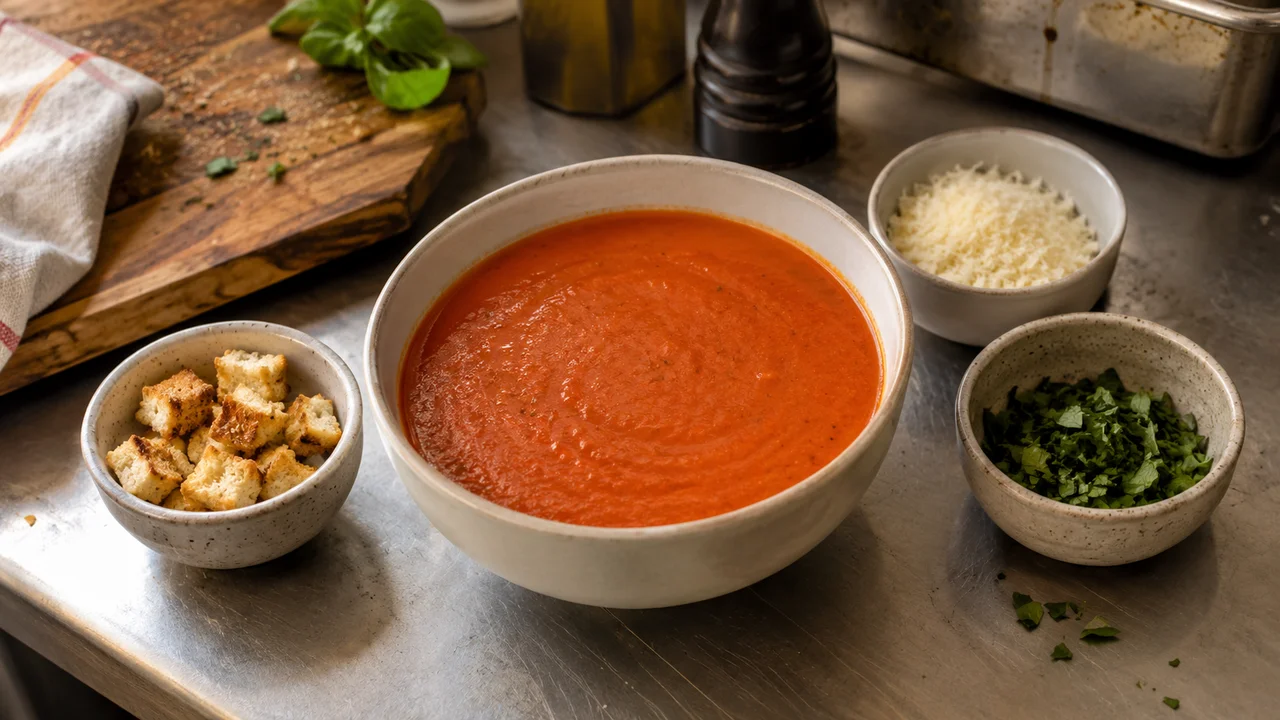
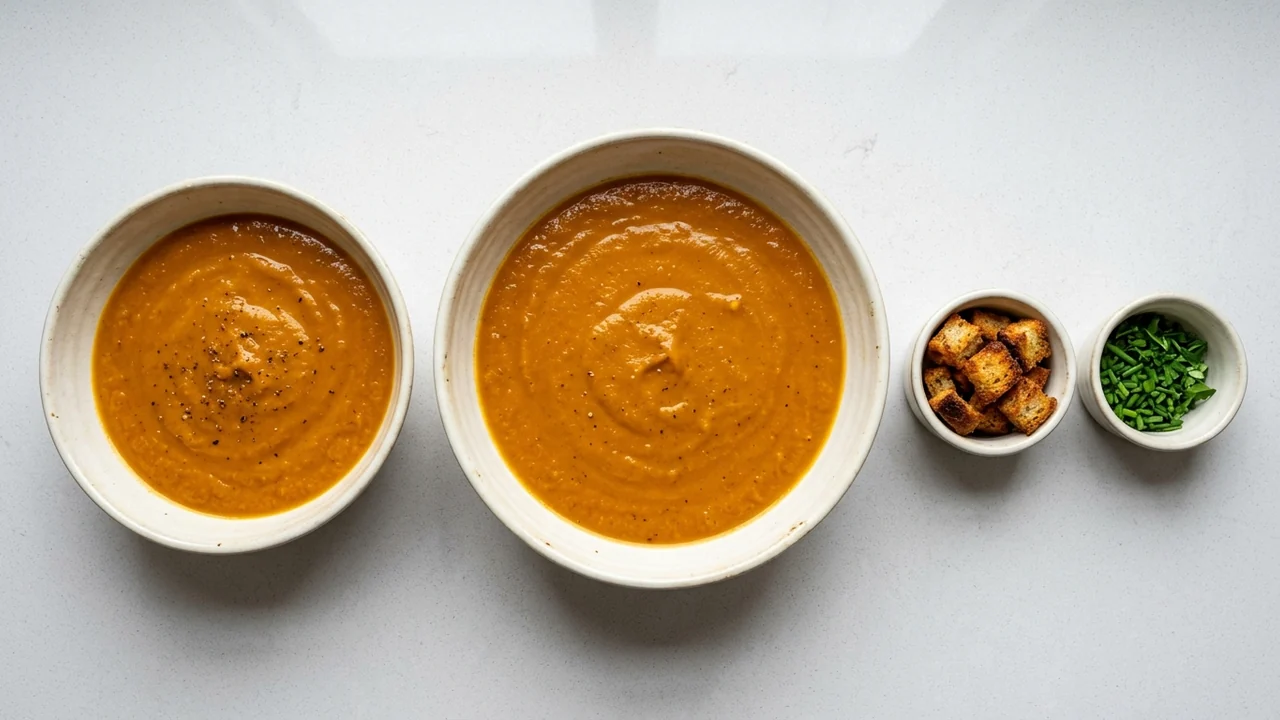
For an illustrative menu, “Tomato soup” is the item, “Cup” and “Bowl” are proposed size variations, and “Add croutons” is a proposed modifier. These are naming examples, with no assumed prices or stock quantities.
Square says each variation can have its own cost, price and SKU. Its modifier guidance describes extras and other customizations. That distinction provides a starting structure; it does not confirm the recipe quantities associated with a cup or bowl in your inventory application.
For your trial, write a simple naming rule: the dish name identifies what is made, the size identifies the portion, and the modifier describes the change. Apply that rule to one item before repeating it across the menu. If a supposed “size” actually changes the whole dish, reassess whether it belongs under the same item.
If you are also rewriting guest-facing names, the cocktail menu design guide covers a consistent entry pattern. Keep the names understandable in both places, then verify the actual order output.
Prove that the sales report answers the size question
Square’s current US sales reports guidance describes detailed item and variation data in Dashboard, including quantities and gross and net sales. It also describes a separate modifier report. Expand the trial item and inspect the variation breakdown before concluding that a size needs its own standalone item.
Use the same date, location and source filters when comparing records. Save the order reference and inspect the export you actually use for purchasing or menu reviews. A summary that shows the dish total is insufficient if your decision depends on the split between portions.
For a legacy size modifier, ask whether the exported data can connect the size selection to the particular dish. A total count of “Large” selections across the menu would not, by itself, answer how many large soups sold. If you cannot establish the connection in your own report, record it as unresolved rather than estimating from total sales.
Square also notes that its current nested-modifier reporting includes selections individually without preserving the parent-child hierarchy. If your menu relies on nested choices, verify the context you need in the export. Do not assume a visible hierarchy on the till is reproduced in reporting.
Copy this worksheet for the same trial order
Choose one item and run a small controlled trial using your normal approved test-order process. Record a small portion, a large portion, and a portion with an addition. Repeat the checks on each ordering channel you intend to use. Those are proposed test scenarios, not transactions we have performed.
Keep every record tied to the same order reference. Fill the observed column from the actual account or device. Leave it blank, or write Unknown / verify on the unit, when you cannot observe the result.
| Checkpoint | Expected result to write before ordering | Observed result / evidence reference |
|---|---|---|
| Order identity | Date, channel, location, order reference and trial item | |
| Portion selected | The intended size and catalog identifier, where exposed | |
| Price | Approved portion price plus the selected additions | |
| Customer receipt | Item, portion and any customization you intend the guest to see | |
| Kitchen ticket or display | Unambiguous portion and preparation changes | |
| Item sales report | The intended dish and size, with the trial quantity identifiable | |
| Modifier report or order detail | Selected addition and the item context needed for your question | |
| Inventory record before and after | Intended stock or recipe mapping, unit and movement | |
| Cancellation or refund handling | Your configured financial and stock treatment | |
| Decision | Keep, revise or hold; owner of any unresolved check |
Receipt and kitchen checks are separate. Square’s modifier documentation includes a setting that hides modifiers on customer receipts. Inspect the configured output rather than treating an absent receipt line as proof that a customization was never selected.
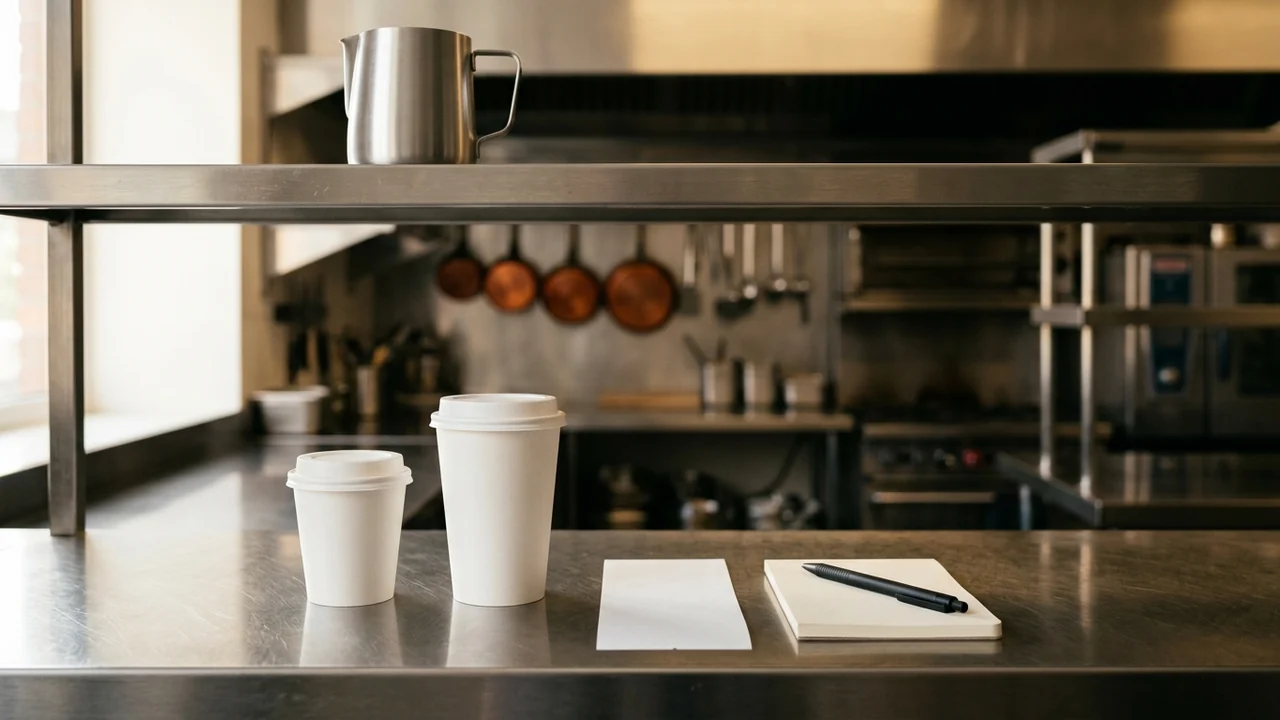
If a ticket loses the portion name, investigate that output before redesigning the whole catalog. If the ticket is clear but your report cannot identify the portion, focus the next check on reporting. Keep the failed checkpoint specific so a change can be evaluated against it.
Verify inventory mapping without guessing ingredient use
A variation’s SKU identifies a catalog entry. It is not evidence that the entry is linked to the correct recipe, ingredient unit or third-party stock application. The documentation reviewed here does not establish your restaurant’s ingredient-depletion behavior.
For each sellable portion, record the mapping you expect:
| Mapping field | Your confirmed value |
|---|---|
| Item and portion name | |
| POS variation or other catalog identifier | |
| Inventory application and mapped recipe or stock record | |
| Recipe quantity and unit for this portion | |
| Addition mapped separately, if applicable | |
| Actual movement and the order reference supporting it | |
| Treatment of cancellations, refunds and waste |
Check portion units explicitly: a count of finished cups, a volume of soup and a quantity of an ingredient are different records. Use your recipe specification to define the expected movement. Do not infer that selecting “Large” automatically scales every ingredient, or that refunding money automatically returns prepared food to available stock.
Where an integration cannot expose a movement tied to the trial, leave the mapping unresolved. Ask its operator or support team to demonstrate the path with your actual identifiers before relying on automated purchasing figures.
Change one item, preserve the old names, then decide
Save the current item list, relevant reports and a mapping from old labels to proposed labels before editing. Square warns that changing item, category or modifier names creates separate reporting entries. Choose a recorded changeover date so a later comparison can distinguish menu restructuring from a change in demand.
Trial one dish through the worksheet, including the channels where guests really order it. Keep the proposed structure when portion identity is clear, the report answers your size question and any inventory dependency has been verified. Revise the failed checkpoint when evidence is incomplete. Hold the rollout if a critical stock mapping remains unknown.
After the configuration is accepted, use the delivery menu pricing worksheet to assess portion prices by channel. A clearer size structure provides identifiable inputs; it does not establish the right selling price on its own.
Method and sources
Reviewed 15 October 2026 against the official Square US variations, modifiers and reporting pages listed below. Product statements are limited to those documents. The matrices, naming example and order-check procedure are editorial recommendations, with blank fields for your observations. We did not test a live restaurant account, measure service speed or validate an ingredient integration. For another POS, confirm its own terminology and repeat the record checks before applying this structure.